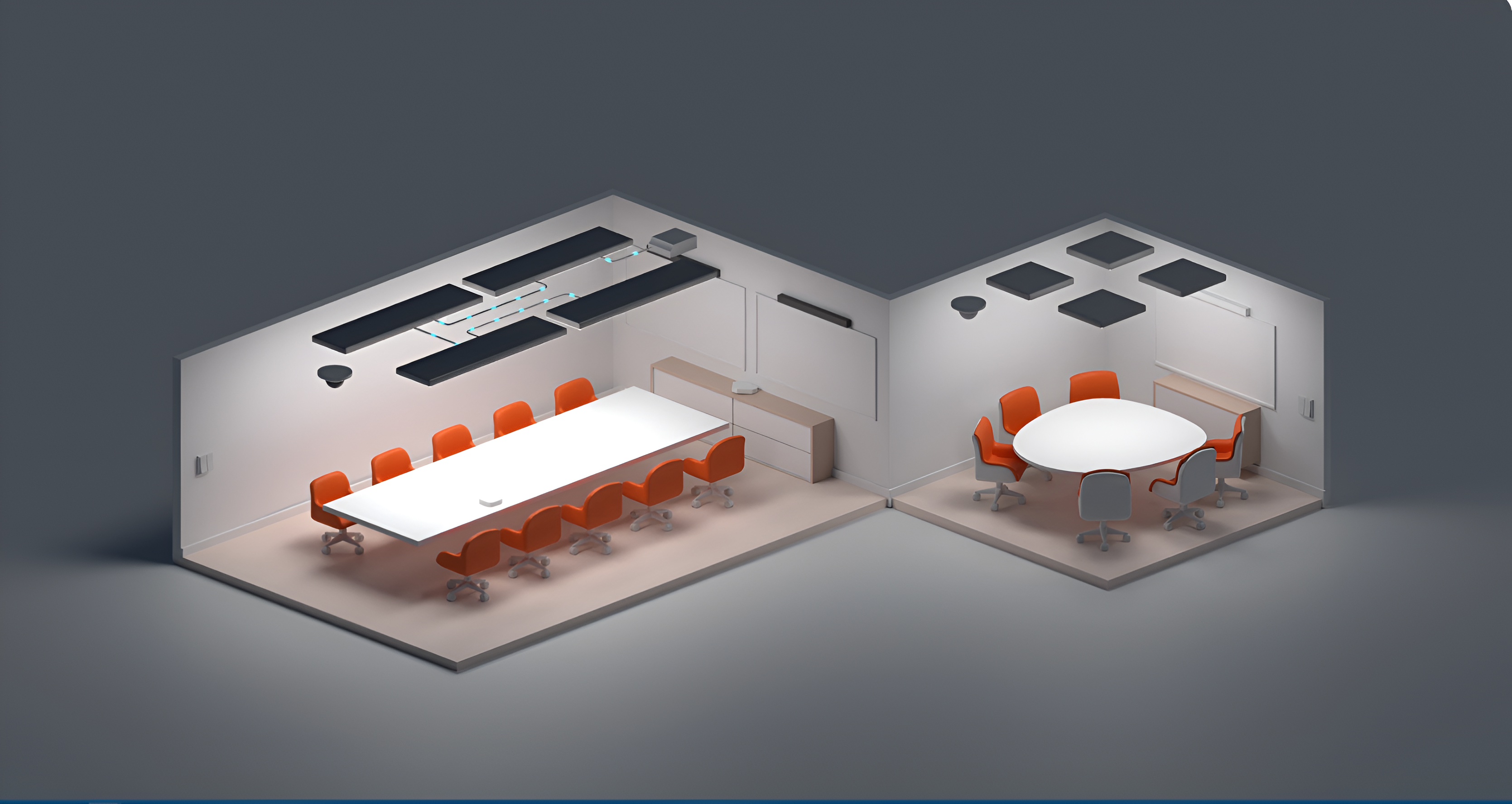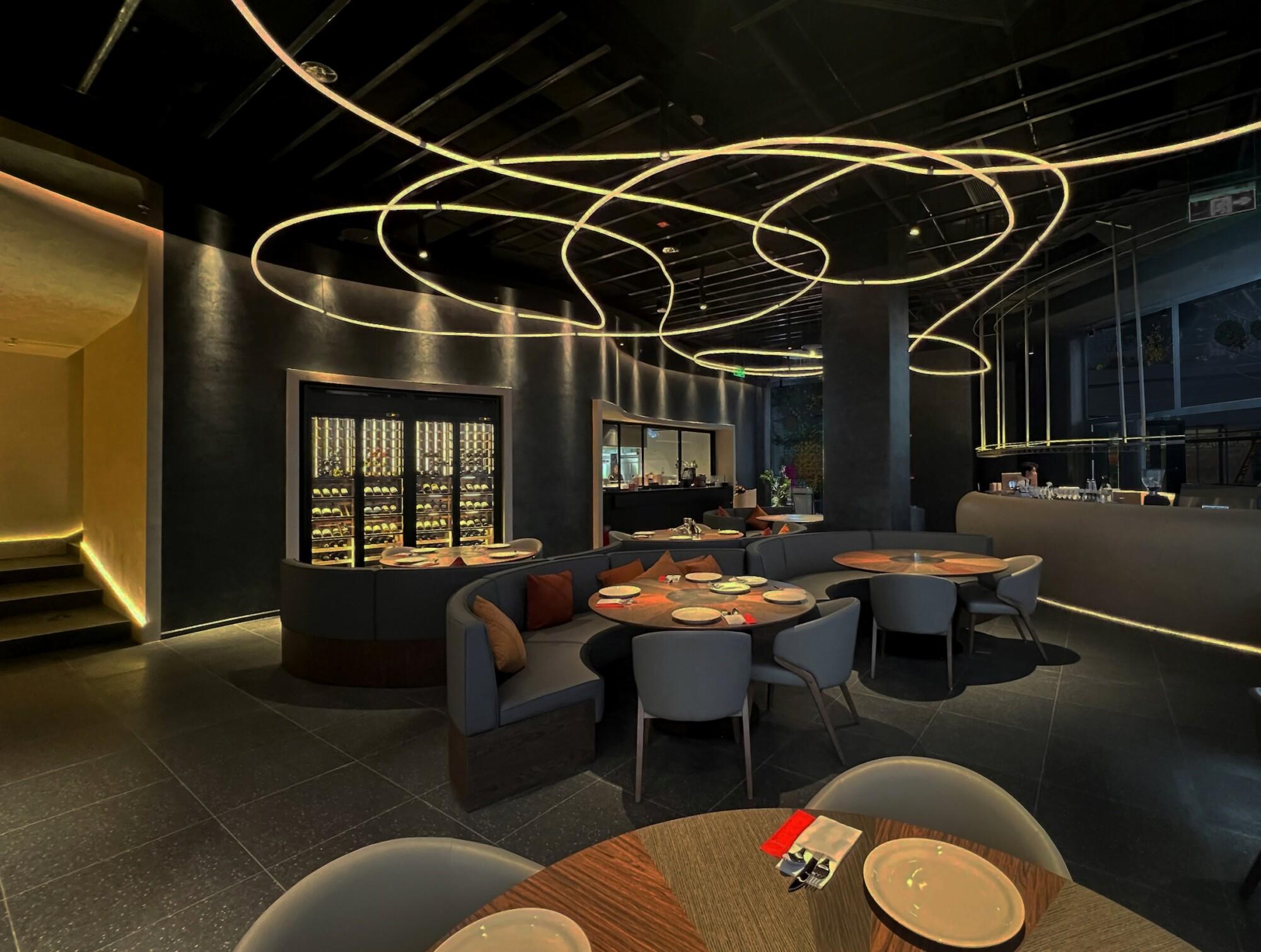
A modern commercial building typically runs Casambi BLE Mesh for lighting alongside Kanonbus gateways for VRF air conditioning and motorized blinds. Two separate systems, two different protocols, and no single view that gives a facility manager a complete picture of the building at a glance.
That is the problem Tapi Dashboard is built to solve. Not another vendor app, but a single control plane running in a web browser, pulling devices from both the Casambi Cloud API and the Kanonbus KTS cloud into one place and enabling real-time control via WebSocket.
This article covers what Tapi Dashboard is, how it works, which providers it supports, and how to try the live demo today with no registration required.
What is Tapi Dashboard?
Tapi Dashboard is a unified web-based BMS (Building Management System) platform that enables control of devices from multiple protocols through a single interface. Instead of opening the Casambi app for lighting, switching to another app for HVAC, and a third for shading, Tapi brings everything to a single URL.
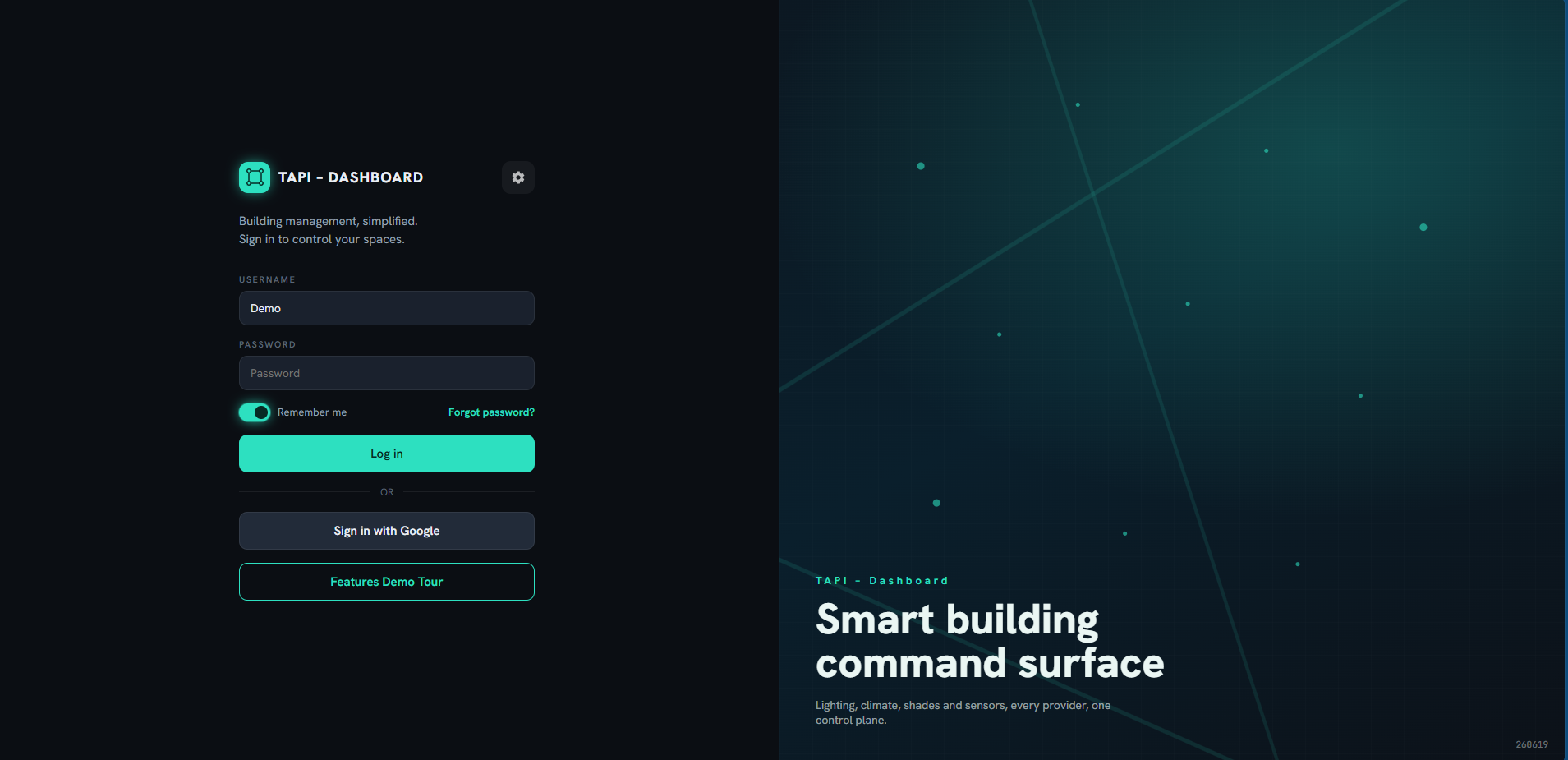
Communication between the dashboard and connected systems runs over WebSocket, which means device states are always current. When a device changes state externally, for example when someone operates a physical switch, the dashboard reflects the change immediately without requiring a page refresh.
Which providers does Tapi support?
Multi-provider integration is what sets Tapi apart from single-vendor control tools. Currently supported:
Casambi: lighting and sensor control via the Casambi Cloud API over BLE Mesh. Each Casambi device is an independent mesh node; Tapi receives real-time state updates and sends commands through the Casambi cloud.
Kanonbus KTS: control of VRF/VRV air conditioning systems and motorized blinds via the Kanonbus KTS TCP cloud. A Kanonbus hardware gateway installed in the electrical panel connects directly to HVAC systems using each manufacturer's proprietary protocol (Daikin, Mitsubishi Electric, Samsung and others) and to blinds via KNX group addresses. The gateway then bridges to the Kanonbus cloud server, which Tapi subscribes to for state reads and control commands.
From the operator's perspective, this distinction is entirely hidden. A meeting room with Casambi downlights, a Daikin VRF unit and motorized blinds all appear as a single set of controls within one dashboard card. The operator only needs to know which room they are in and what they want to do.
In practice, the demo shows Casambi downlights and accent lights alongside HVAC and blinds controlled via Kanonbus, all displayed and controllable from the same screen organized by zone.
Tapi is built on an open architecture. Matter, Homey and additional providers are on the integration roadmap — the goal is that any system with an accessible API can be connected to the same control plane.
How the interface works
Tapi provides three main display modes:
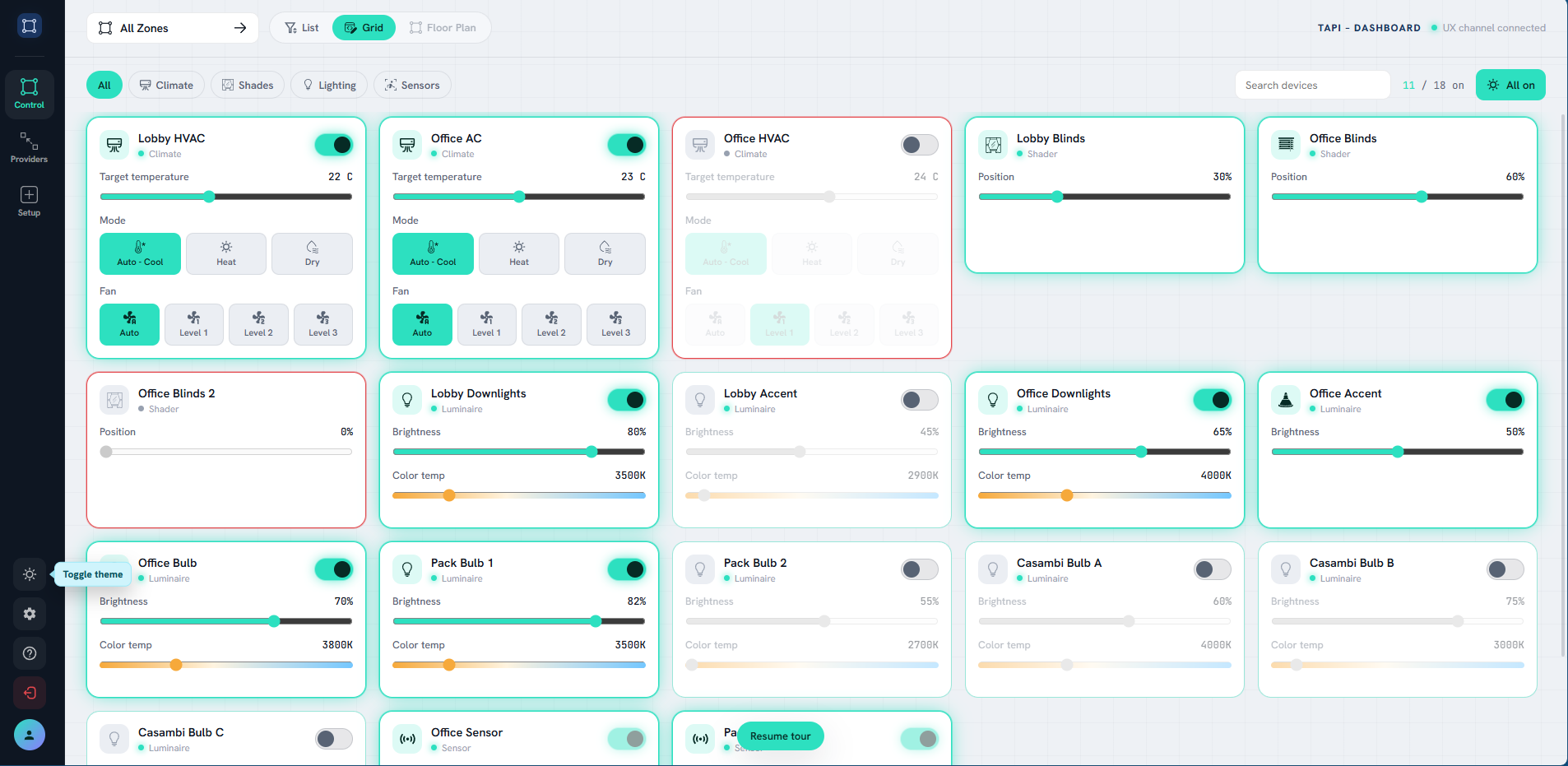
Grid view: devices displayed as cards, each showing a power toggle, brightness slider, color temperature, blind position or HVAC parameters inline. Best for getting an overview and making quick adjustments.
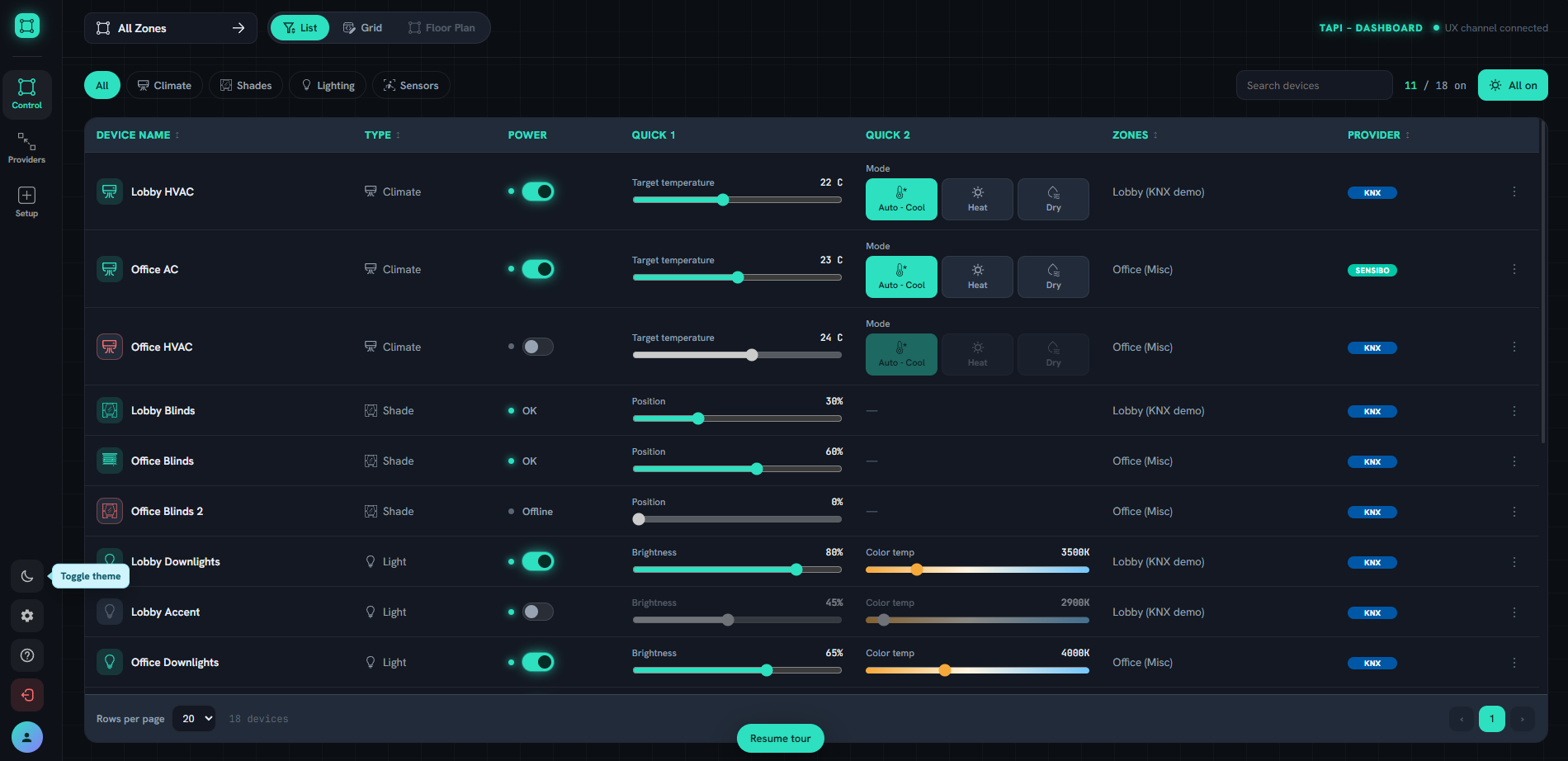
List view: a table layout with full detail, pagination, device name search, category filtering (Climate, Shades, Lighting, Sensors) and a clear provider label for each device.
Floor Plan: users upload a floor plan image for each zone, place devices at their real positions, and control them directly on the map. This feature is currently being finalized.
The top right of the interface always shows a live count of active devices out of total, along with a global All on / All off button for the current zone.
Zone tree: organizing devices by physical space
Rather than organizing by protocol, Tapi lets users build a zone hierarchy that matches the actual layout of the building. The structure is fully customizable:
Building A, Ground Floor, Lobby
Building A, Floor 1, Office
Building A, Floor 1, Meeting Room
Building B, Garage, Floor 1, Floor 2
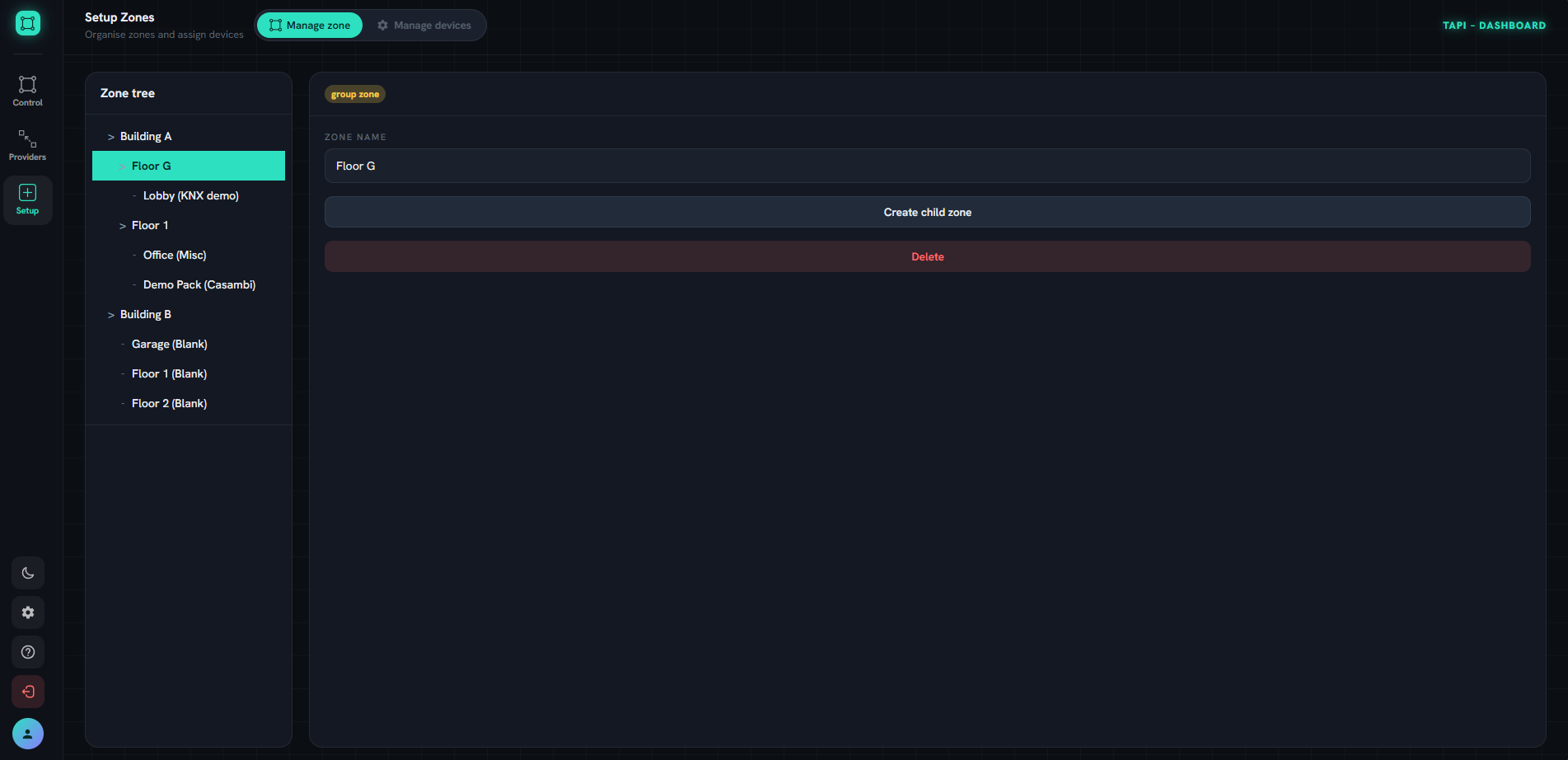
A single zone can contain devices from multiple providers. The lobby zone might include Casambi downlights alongside HVAC and blinds managed through Kanonbus. From the operator's perspective, it is just the lobby, not a mix of protocols.
How Tapi compares to the Casambi app
The Casambi app remains the right tool for commissioning and configuration: scanning BLE devices, grouping, creating scenes, setting schedules. Nothing replaces it during installation.
Tapi does not compete there. Tapi is the day-to-day operational layer: a facility manager opens a browser, sees the full building state, and makes adjustments as needed. They do not need to know which devices are Casambi and which are Kanonbus. They just need to know which room, which fixture, and what they want it to do.
The short version: Casambi app for the installer, Tapi Dashboard for the operator.
Who is Tapi Dashboard for?
System Integrators: instead of handing over a project and leaving the client to manage multiple apps, an SI can deliver a single pre-configured dashboard tailored to the building.
Facility managers and BMS operators: one web interface replaces multiple apps, accessible from a desktop at a reception desk or control room.
Building owners: projects running Casambi for lighting and Kanonbus for HVAC need a single point of control rather than managing each system separately.
Architects and design consultants: the demo is a practical tool for illustrating multi-provider integration capabilities to clients during the design phase.
Current status and how to try it
Tapi Dashboard is in active development. Core features are live: Grid view, List view, Zone management, and real-time control across Casambi and Kanonbus KTS (VRF air conditioning and motorized blinds). Floor Plan is being finalized.
Tapi is built on an open architecture and continues to grow. Matter, Homey and additional providers are on the integration roadmap — any system with an accessible API can be connected to the same control plane.
The public demo requires no registration and no account. Visit io.tapi.solutions/demo to see the interface in action with a fully populated sample dataset.
A subscription model based on device count and feature tiers is planned for future releases.
Conclusion
Tapi Dashboard addresses a practical challenge in modern buildings: Casambi lighting and building services running through Kanonbus operating in parallel, unified behind a single operational interface. With Casambi handling BLE Mesh lighting and Kanonbus KTS managing VRF air conditioning and motorized blinds, this is a natural fit for integrated projects in Vietnam.
To discuss integration options for a specific project, contact us via hotline 0918.918.755 or email sales@knxstore.vn.