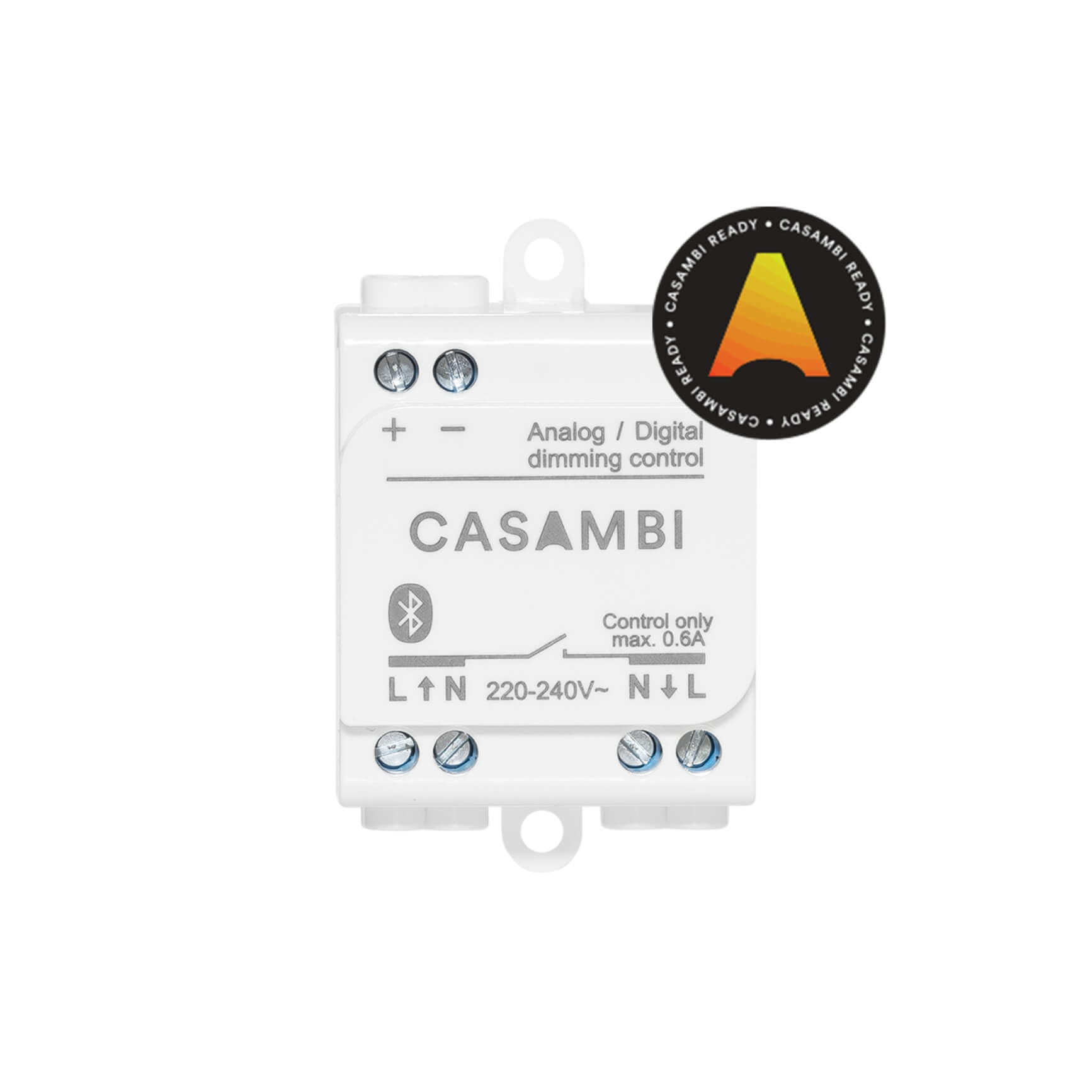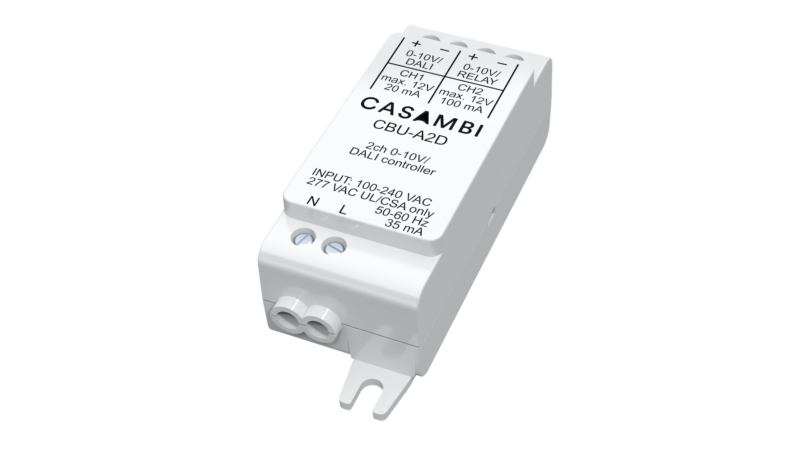
Casambi Bluetooth module for inside-luminaire integration, supporting 0-10V and DALI on 2 independent channels. Compatible with Tunable White drivers, DALI DT8 CCT/RGB/RGBW, and Casambi mesh networks up to 250 nodes.
Most LED drivers available in the Vietnamese market still rely on 0‑10V or DALI protocols and lack native Bluetooth connectivity. To integrate these luminaires into a Casambi network, an internal interface module is required.
CBU‑A2D solves exactly that problem: a compact module (76 × 26 × 23 mm) featuring two independent output channels, supporting both 0‑10V and Standalone DALI, with a universal 100–240 VAC input.
Unlike modules limited to a single protocol, CBU‑A2D allows flexible configuration depending on the driver type used in the project—no need to replace drivers or add external DALI power supplies.
This document explains the dual‑channel architecture, supported fixture profiles, and how to select the correct configuration for each project type.
CBU‑A2D belongs to the CBU (Casambi Bluetooth Unit) family, designed for internal luminaire installation to transform standard LED drivers into Casambi‑enabled devices.
Its key distinction: two fully independent output channels, each configurable for 0‑10V or DALI/relay, depending on the selected profile in the Casambi app.
Product positioning:
CBU‑ASD → DALI only
CBU‑A2D → Dual‑channel 0‑10V + DALI
Ideal for mixed‑driver projects or Tunable White applications where the driver does not support DALI DT8.
Channel 1 (CH1):
0‑10V sinking: 0–10 VDC, max 7 mA. Connect directly to the dimming input of a standard 0‑10V driver.
DALI sourcing: 12 VDC, max 20 mA. Operates as a Standalone DALI controller, no external DALI PSU required. Supports one driver or one sensor/push button.
Channel 2 (CH2):
0‑10V sinking: 0–10 VDC, max 7 mA. Used for the second channel of Tunable White or an independent driver.
Relay sourcing: 12 VDC, max 100 mA. Used for full power cut‑off when the driver cannot dim to 0, or to control an external relay.
⚠️ Important: Never connect CH1 and CH2 in parallel. Doing so may cause permanent damage to the device (as stated in the datasheet).
Typical DALI setups require a separate DALI power supply (16–250 mA, 12–16 VDC).
CBU‑A2D eliminates this need: when CH1 operates in DALI sourcing mode, it provides 12 VDC / 20 mA directly to the bus—sufficient for one standard DALI driver.
Result:
Each luminaire only needs CBU‑A2D + DALI driver, with no additional components.
For multi‑channel RGB/RGBW luminaires, this minimizes wiring and component count per fixture.
CBU‑A2D offers 13 fixture profiles, grouped into three categories. Select the profile in the Casambi app during commissioning.
Group | Profile ID | Description |
|---|---|---|
0‑10V | 11503 | 2CH Dim Temp NoMix (default) — Tunable White, CH1 = dim, CH2 = CCT |
11501 | 0‑10V TW — Tunable White with warm/cool mixing | |
11500 | 2CH 0‑10V — Two independent 0‑10V drivers | |
11499 | 0‑10V + Relay — One 0‑10V driver + relay cut‑off | |
11508/11509 | Single‑channel basic or push‑button mode | |
DALI | 11510 | DALI/BC/Sensors — Broadcast dimmer, no short addressing |
11512 | DALI DT8 TW — Color temperature handled by driver | |
11520 | DALI DT8 RGB/TW — RGB or CCT (mutually exclusive) | |
12115 | DALI DT8 XY/TW (Evo) — Multichannel DT8 XY color type | |
11513/11514 | DALI 2CH / DALI 8CH — Multiple drivers with short addressing | |
Control | 11507 | PushButton + Relay — Low‑voltage button input, CH2 relay ON/OFF |
Each CBU‑A2D acts as both node and repeater in the Casambi mesh network.
Ensure every node detects at least one neighbor during testing for full network activation (up to 250 nodes per network).
Range:
Outdoor line‑of‑sight: > 50 m
Indoors (concrete walls, glass partitions, gypsum ceilings): significantly reduced
Enclosure guidelines:
Avoid sealed metal housings — BLE antenna is located at the bottom and may be blocked.
Plastic or glass enclosures have minimal signal loss.
Always verify connectivity via the Casambi app before final installation, especially for recessed luminaires.
Compatibility: iOS 10+ / Android 4.4+
Full BLE Mesh functionality: scenes, schedules, sensors, group control.
A practical feature for non‑app users: CBU‑A2D supports Flick Dimming using a standard wall switch.
Procedure:
Turn on the light normally.
Flick off → on within 1 second: light begins ramping up.
Flick again at desired brightness: level is stored automatically.
If no second flick within 8 seconds, brightness locks at 100%.
Flicking can also cycle through preset scenes — ideal for meeting rooms or public areas.
Use Case | Recommended Module |
|---|---|
Single DALI driver, no 0‑10V, no relay | CBU‑ASD |
0‑10V driver interface | CBU‑A2D |
Tunable White 2‑channel 0‑10V | CBU‑A2D |
Relay power cut‑off required | CBU‑A2D |
Mixed drivers (0‑10V + DALI) | CBU‑A2D |
Low‑voltage push‑button input | CBU‑A2D |
In full Casambi systems with gateway and dashboard, CBU‑A2D integrates directly with Casambi Cloud API, enabling remote monitoring and control via building‑management platforms.
CBU‑A2D is the most versatile Casambi integration module for luminaires using 0‑10V or DALI drivers.
Its dual independent outputs, Standalone DALI, 13 fixture profiles, and universal 100–240 VAC input make it ideal for most commercial lighting projects in Vietnam.
For configuration and fixture‑profile consultation, contact Hotline 0918 918 755 or email sales@casambi.vn.
| Ambient temperature (ta) | -20 to +45°C |
| Max. case temperature (tc) | +70°C |
| Storage temperature | -25 to +70°C |
| Max. relative humidity | 0-80%, non-condensing |
| Wire range | 0.5-1.5 mm² / 16-20 AWG |
| Wire strip length | 6-7 mm |
| Tightening torque | 0.4 Nm |
| Dimensions | 76.0 x 26.0 x 23.0 mm |
| Weight | 40 g |
| Degree of protection | IP20 (indoor use only) |
| Protection class | Built-in Class II |
| Certifications | CE, FCC (2ALA3-CBUA2D), IC (22496-CBUA2D), UL (E494741), RoHS |
The CBU-A2D is a Casambi Bluetooth module with two independent output channels, supporting both 0-10V and Standalone DALI. It mounts inside the luminaire, requires no external DALI power supply, and joins a Casambi mesh network of up to 250 nodes.
CBU-ASD supports DALI only. CBU-A2D adds 0-10V support across two independent channels, making it the better choice for projects with legacy 0-10V drivers, mixed driver types, or when CH2 needs to act as a relay output.
No. CH1 in DALI mode operates as a Standalone DALI controller, sourcing 12 VDC at up to 20 mA directly onto the DALI bus. One standard DALI driver can be connected without any additional PSU.
Yes. Two 0-10V Tunable White configurations are available: profile 11503 (default, NoMix) sends dim and CCT values directly to separate outputs, while profile 11501 (TW) performs warm/cool mixing in software.
CBU-A2D includes 13 fixture profiles across three groups: 0-10V (single channel, Tunable White, dual channel, relay), DALI (broadcast, DT8 CCT, DT8 RGB/TW, DT8 XY, 2CH, 8CH, TW), and Control (PushButton + Relay). The default profile is 11503.
In open air, two CBU-A2D units can communicate beyond 50m. In real installations with concrete walls or metal enclosures, range is significantly reduced. Each module acts as a mesh repeater, extending overall network coverage.
No. CBU-A2D is rated IP20 and is designed for indoor installation only.
Yes. The Flick Dimming feature allows dimming via a standard wall switch: turn on, flick off and back on quickly to start ramping, then flick again to lock the desired level. The level is saved automatically.
Avoid placing CBU-A2D inside fully enclosed metal housings, as the BLE antenna on the underside of the module will be shielded. Never connect CH1 and CH2 outputs in parallel, as this can permanently damage the device. Always test network connectivity before closing the luminaire.